> For the complete documentation index, see [llms.txt](https://www.happ.su/main/llms.txt). Markdown versions of documentation pages are available by appending `.md` to page URLs; this page is available as [Markdown](https://www.happ.su/main/zh/dev-docs/android-tv-api.md).
# Android TV API
{% columns %}
{% column %}
 {% endcolumn %}
{% column %}
{% endcolumn %}
{% column %}
 {% endcolumn %}
{% endcolumns %}
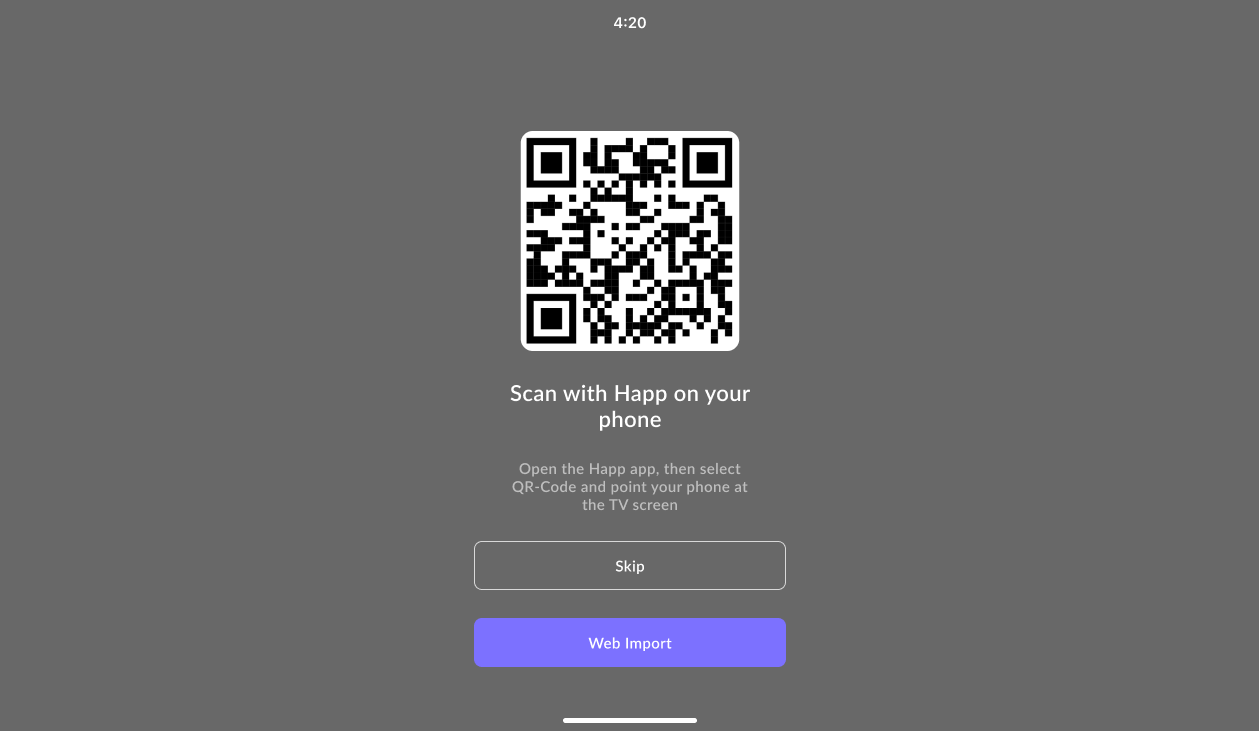
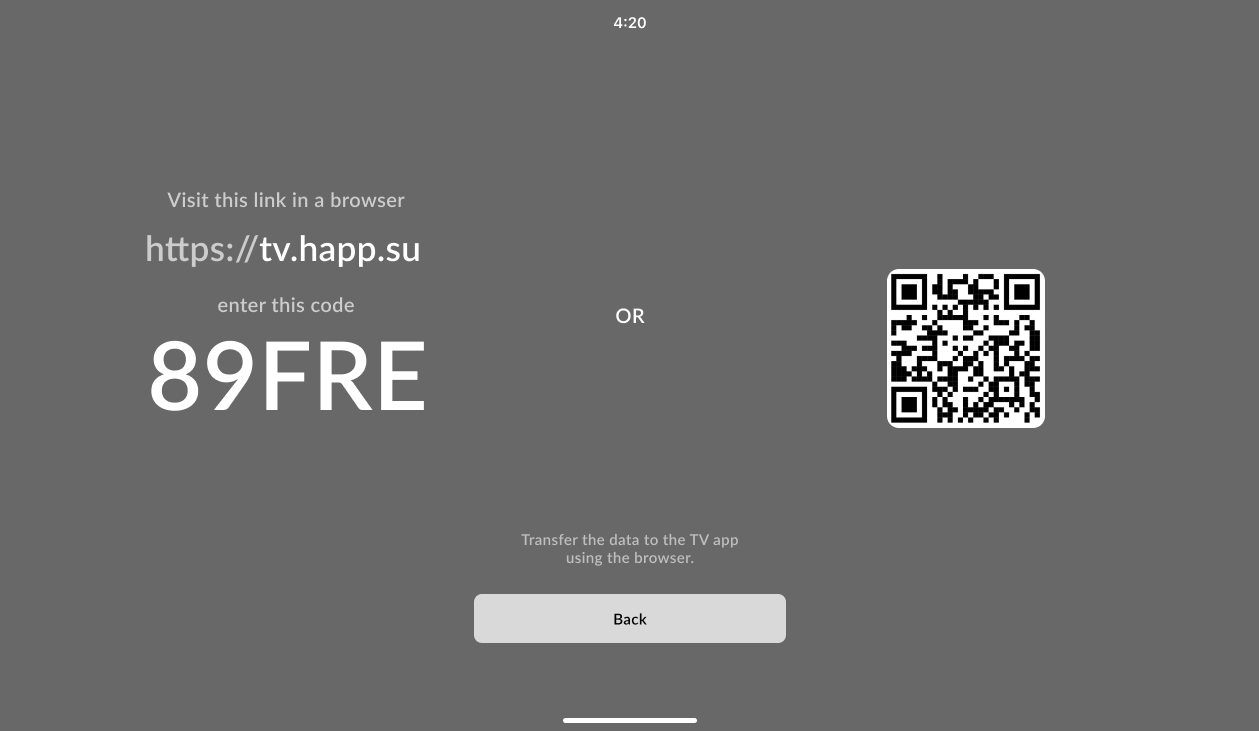
要将订阅传输到用户的电视,您需要知道应用首次在Android TV上启动时生成的5位代码。用户可以通过在应用界面选择 **Web Import** 选项来获取此代码。
然后,您需要发送一个 **POST** 请求到:\
`https://check.happ.su/sendtv/[uid]`\
其中 **\[uid]** 是电视上显示的5位代码。
请求体应为JSON格式:
```json
{ "data": "base64" }
```
`data` 字段包含以 **Base64** 编码的服务器或订阅配置信息。
#### `curl` 请求示例:
```bash
curl -X POST https://check.happ.su/sendtv/12345 \
-H "Content-Type: application/json" \
-d '{"data":"aHR0cHM6Ly90ZXN0LXN1YnMuaGFwcC5zdS9wYWdlLnBocD9pZD14Y3huV254Uw=="}'
```
示例中,`12345` 是电视的UID,`data` 是Base64编码的配置信息字符串。
{% endcolumn %}
{% endcolumns %}
要将订阅传输到用户的电视,您需要知道应用首次在Android TV上启动时生成的5位代码。用户可以通过在应用界面选择 **Web Import** 选项来获取此代码。
然后,您需要发送一个 **POST** 请求到:\
`https://check.happ.su/sendtv/[uid]`\
其中 **\[uid]** 是电视上显示的5位代码。
请求体应为JSON格式:
```json
{ "data": "base64" }
```
`data` 字段包含以 **Base64** 编码的服务器或订阅配置信息。
#### `curl` 请求示例:
```bash
curl -X POST https://check.happ.su/sendtv/12345 \
-H "Content-Type: application/json" \
-d '{"data":"aHR0cHM6Ly90ZXN0LXN1YnMuaGFwcC5zdS9wYWdlLnBocD9pZD14Y3huV254Uw=="}'
```
示例中,`12345` 是电视的UID,`data` 是Base64编码的配置信息字符串。